
Every membership app needs recipes before meal plans, shopping lists, or forums feel useful. Here is the fastest path from blank to member-ready -- the same flow shown in our two-minute Chicken Bake demo.
By the end you will know where recipes live in App Station, which tabs to touch first, and how bulk paste saves time on ingredients and steps.
What it is
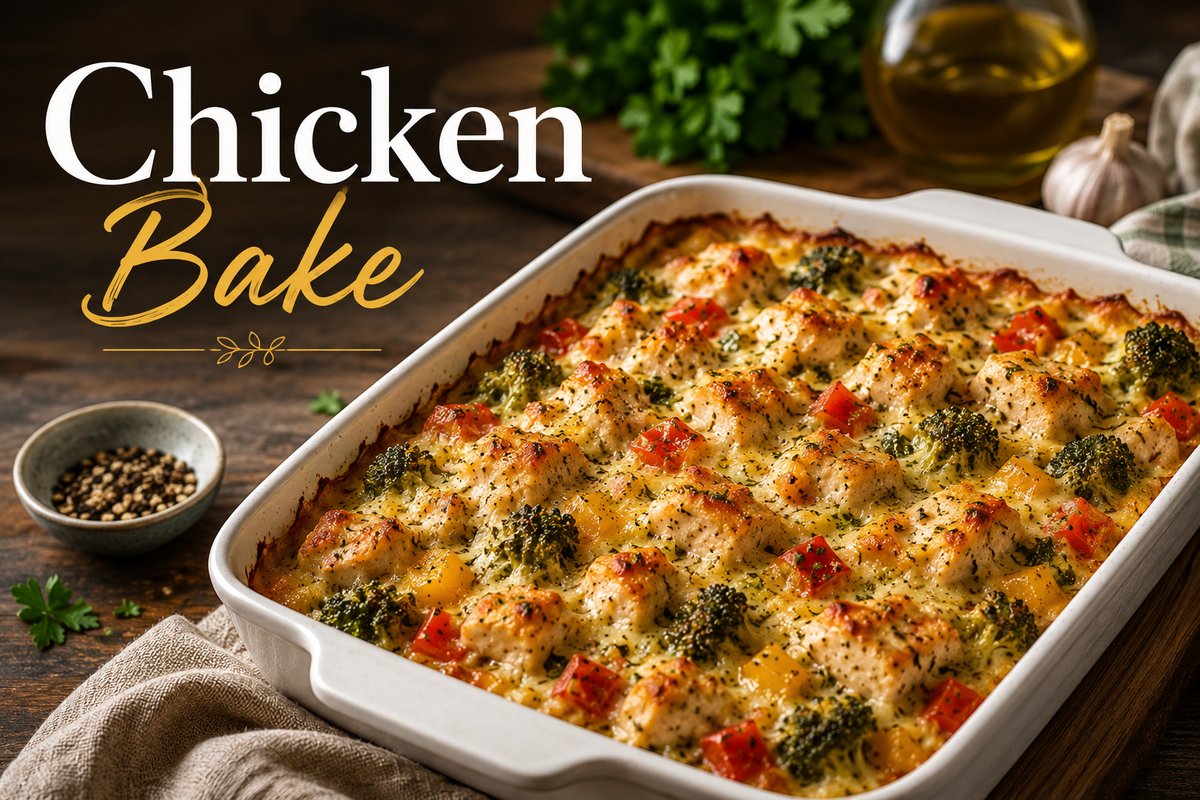
A recipe in Member Kitchens is a Content Library item with its own detail page for members: title, summary, ingredients, instructions, nutrition (when ingredients are linked), and optional media. You author it in the recipe editor; members see it at /recipe/[slug] when published and visible to them.
This is different from a Bite (lightweight, no detail page) or content you add only inside a meal plan. Start with a full recipe when you want a standalone cooking page in your library.
Where to start
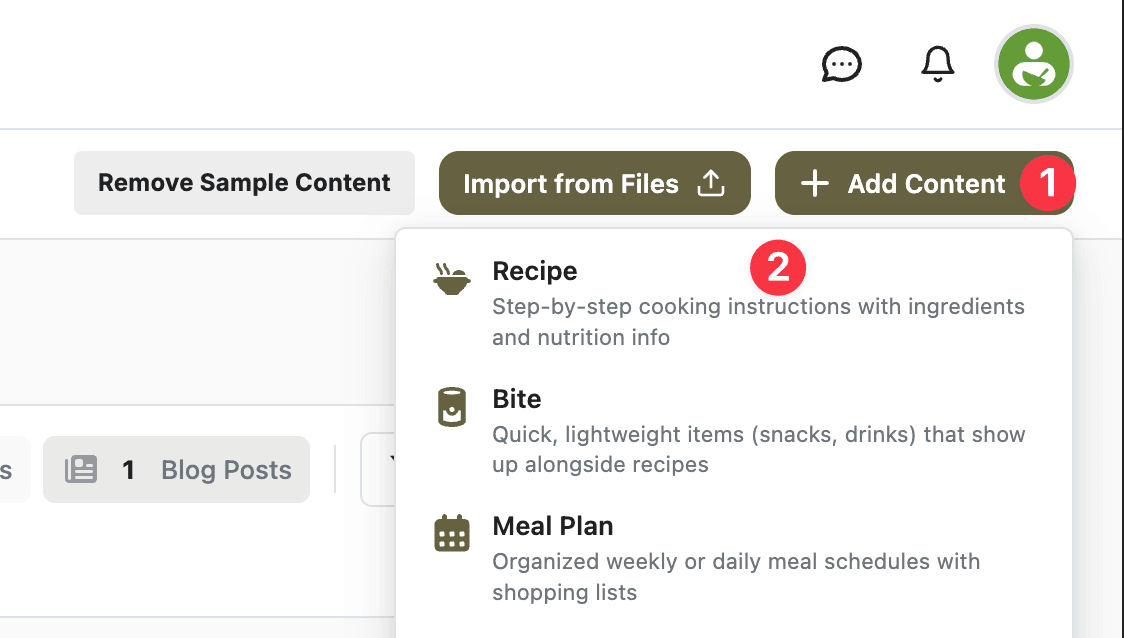
Open App Station → Content Library. Click Add Content and choose Recipe (or go directly to the new-recipe editor).
You land on Create Recipe with a title prompt. Enter a name -- for example, Chicken Bake -- and submit. The editor creates the recipe, unlocks all tabs, and autosaves as you work.
Create the recipe shell
On the General tab, add a short Summary members see under the title on the recipe page. Example: “Creamy one-dish chicken bake with broccoli and bell peppers, topped with melted cheese.”
The slug is generated from the title; you can adjust it on General if you want a cleaner URL.
Add ingredients with bulk insert
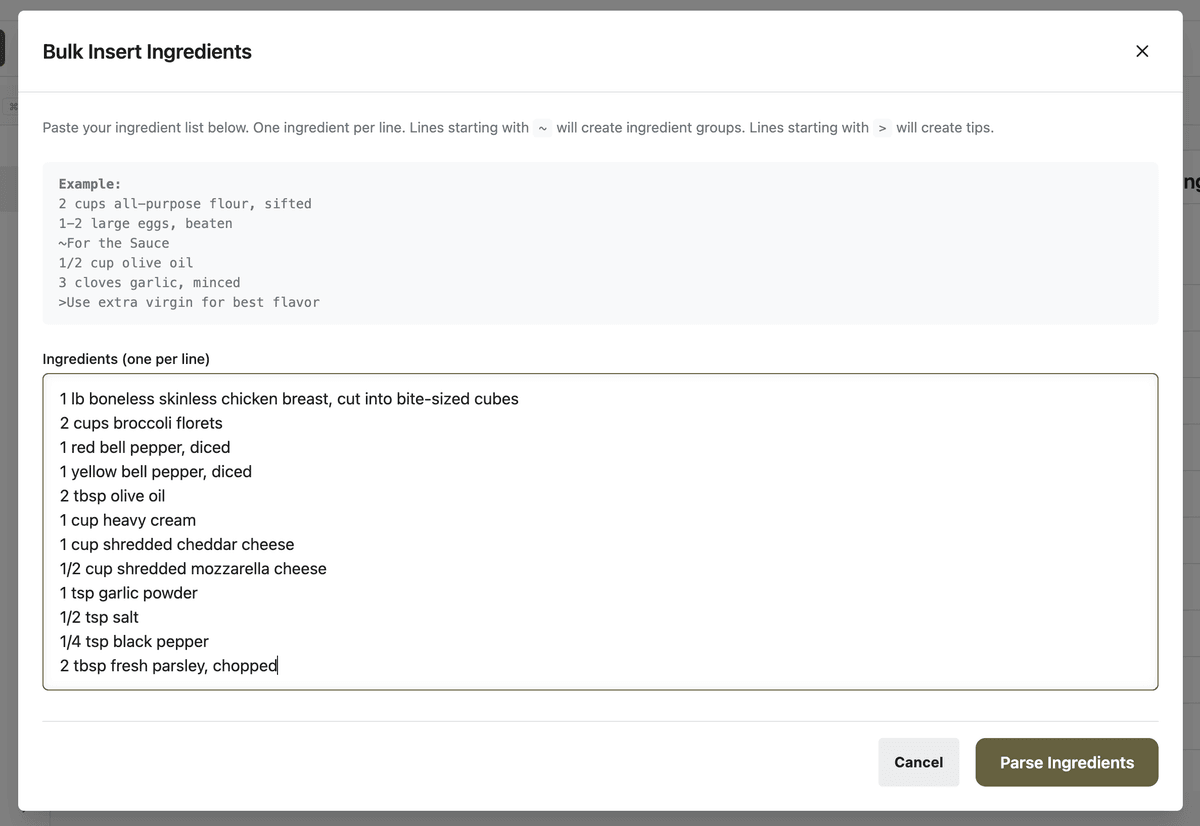
Open the Ingredients tab and click Bulk Insert.
Paste one ingredient per line -- amounts, units, and prep notes in plain text:
1 lb boneless skinless chicken breast, cut into bite-sized cubes2 cups broccoli florets1 red bell pepper, diced1 yellow bell pepper, diced2 tbsp olive oil1 cup heavy cream1 cup shredded cheddar cheese1/2 cup shredded mozzarella cheese
Click Parse Ingredients. Review matches against your ingredient library, accept or adjust rows, then insert. Linked ingredients power nutrition and shopping lists later.
Add instructions with bulk insert
On the Instructions tab, click Bulk Insert. Choose Rich Text (one step per line -- fastest for a first recipe).
Example steps:
Preheat oven to 375°F (190°C).
Toss chicken with olive oil and seasonings, then add broccoli and bell peppers to a baking dish.
Pour cream over the top and cover with cheddar and mozzarella.
Bake 25–30 minutes until bubbly; garnish and serve.
Apply the insert. Steps appear in the Method section members follow in cooking mode.
What to configure before you publish
Media -- Upload a hero image (the photo members see on cards and at the top of the recipe page).
Details -- Set Min Servings (e.g. 4) and prep/cook times so cards and search filters stay accurate.
Publishing -- Open the Publishing tab. While the recipe is a draft, members cannot see it. Click Publish Now when you are ready, or schedule a date. Use visibility and access levels if only certain tiers should see this recipe.
Use the editor Preview button to confirm layout before you go live. Card appearance on library pages follows your recipe card layout settings.
What members see
After publish, members with access open the recipe from your library or a direct link. They get the hero image, ingredient list (scalable if you enabled scaling), step-by-step instructions, and -- when ingredients are linked -- nutrition and shopping-list actions.
That is the minimum viable recipe: enough for someone to cook tonight, not every optional tab filled in on day one.
Quick-start checklist
App Station → Content Library → Add Content → Recipe.
Enter title; add summary on General.
Ingredients → Bulk Insert → parse → insert.
Instructions → Bulk Insert (Rich Text) → insert steps.
Media → upload hero image.
Details → servings and times.
Publishing → Publish Now (or schedule).
Preview, then confirm on the member recipe page.
What to do next
Once you are comfortable creating one recipe by hand, speed up bulk catalog work with recipe import (PDF, DOCX, or WP Recipe Maker). For a visual walkthrough of the same Chicken Bake flow, watch the product demo.